11 Tech Gifts for Grandparents That Are Actually Easy to Use
Eleven simple tech gift ideas for grandparents, chosen for clear benefits, low setup friction, and family connection without a steep learning curve.

5 min read
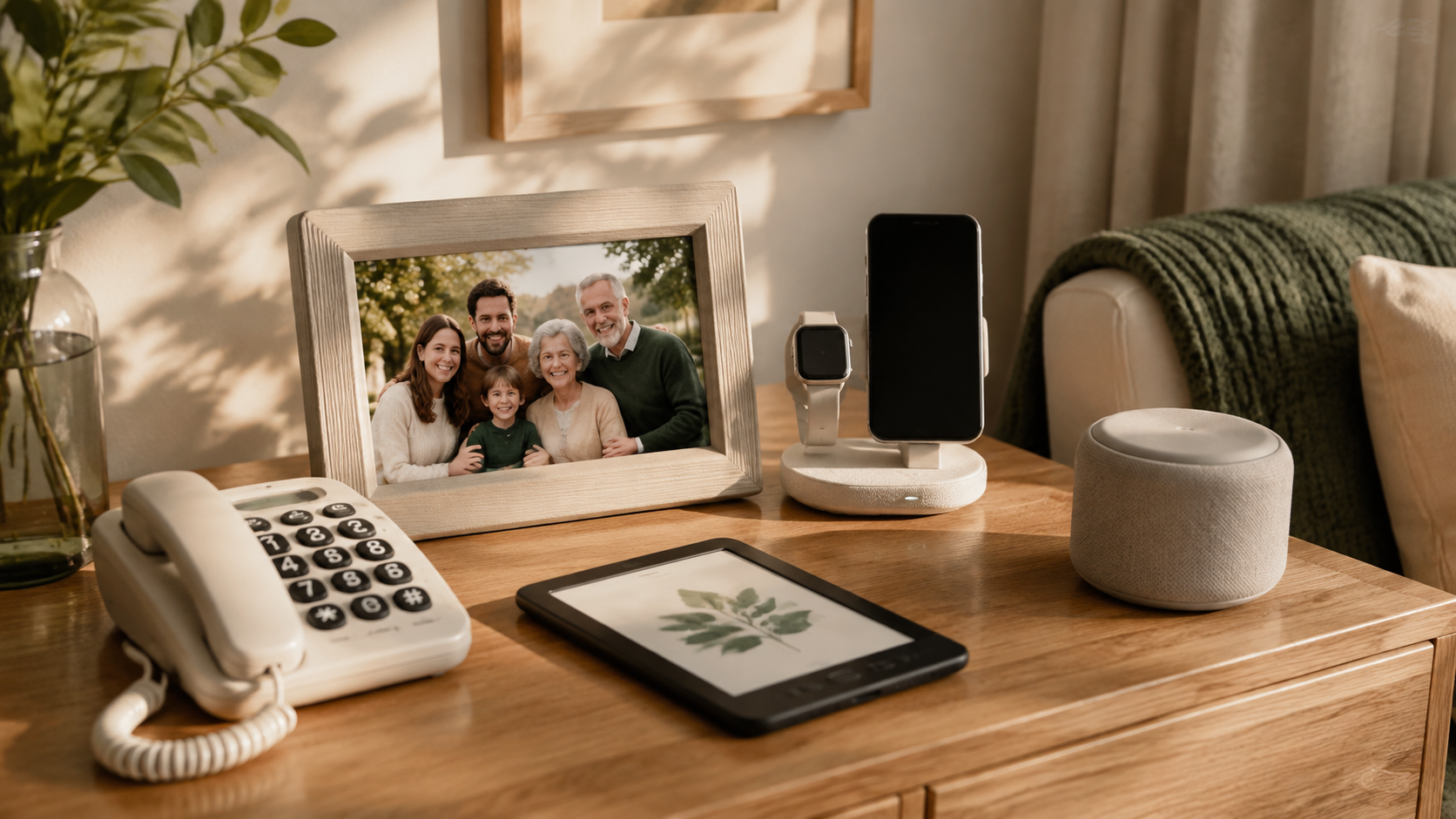
The best tech gifts for grandparents do not ask them to become tech enthusiasts. They solve one familiar problem: seeing family photos, hearing a call clearly, reading more comfortably, finding a small item, or getting a helpful reminder. The right choice has a clear benefit on day one and someone available to help with the first setup.
Quick Summary
Choose one job, keep the setup simple, and plan to help with the first few minutes. That matters more than adding features.
- A digital photo frameBest for sharing family photos without a social media app.
- A large-button phoneBest when straightforward calls and messages matter most.
- An e-reader with adjustable textBest for readers who want a lightweight library.
- A simple smart speakerBest for timers, music, weather, and hands-free help.
Our Top Picks
The Gifts
Best for family connection
AEEZO 10.1-Inch Digital Picture Frame

A frame is most useful when family members can add photos remotely and the initial setup is handled for them.
Best for: Grandparents who want to see family more often
What we like
- Clear, immediate purposenKeeps changing without social media
Keep in mind
- Set up Wi-Fi and sharing before gifting
Best for simple calls
LIVELY Jitterbug Flip2 Cell Phone for Seniors

A phone designed around legible controls and straightforward calling can be more useful than a feature-heavy smartphone.
Best for: Grandparents who prioritize calls and messages
What we like
- Easy-to-read controlsnFocused purpose
Keep in mind
- Confirm carrier compatibility and emergency-contact setup
Best for readers
Amazon Kindle Paperwhite 16GB

A lightweight e-reader can make a large personal library easier to hold and easier to read in different lighting.
Best for: Book lovers who want larger text options
What we like
- Adjustable text sizenLess physical weight than many books
Keep in mind
- Set up the account and demonstrate borrowing or buying
Best hands-free helper
Amazon Echo Dot

Used thoughtfully, a voice-controlled speaker can handle music, timers, weather, and reminders without navigating a screen.
Best for: Grandparents comfortable speaking a request aloud
What we like
- Hands-freenUseful for recurring small tasks
Keep in mind
- Review privacy settings and keep commands simple
Best for video calls
Echo Show 5 (3rd Gen) with Adjustable Stand

A display with a clear calling workflow can make regular family check-ins less intimidating than a tablet full of apps.
Best for: Long-distance families
What we like
- Supports face-to-face connectionnCan stay in one familiar place
Keep in mind
- Make sure contacts and permissions are ready before gifting
Best small upgrade
3-in-1 MagSafe Wireless Charger Stand

A visible, one-place charging solution reduces the daily hunt for a cable and makes charging easier to remember.
Best for: Phone users who misplace charging cables
What we like
- Simple everyday benefitnKeeps a device in a predictable place
Keep in mind
- Verify the device connector or wireless-charging support
Best for the nightstand
7.5-Inch Large Display Alarm Clock

A clock with high-contrast numbers and uncomplicated controls can be more useful than a multifunction display.
Best for: Bedrooms and kitchens
What we like
- Clear at a glancenNo account required
Keep in mind
- Avoid models with too many secondary controls
Best for TV listening
Wireless Headphones for TV with Charging Base

A simple listening solution can make television clearer without asking everyone else in the room to turn up the volume.
Best for: Grandparents who watch TV in a shared home
What we like
- Supports clearer personal listeningnCan reduce household volume conflicts
Keep in mind
- Check TV connection compatibility and comfort
Best for daily essentials
Apple AirTag Tracking Device, 4-Pack

A tracker can be useful for keys, a bag, or another frequently misplaced item when paired with a phone they already use confidently.
Best for: Grandparents comfortable with a phone app
What we like
- Solves a familiar problemnSmall and unobtrusive
Keep in mind
- Requires compatible phone settings and occasional battery attention
Best for close-up tasks
5-Inch Digital Magnifier

For labels, instructions, and hobby details, a magnifier can be more useful than another general-purpose device.
Best for: Reading small print and close work
What we like
- Clear single usenSupports independent daily tasks
Keep in mind
- Try controls and screen readability before committing
Most important add-on
Lenovo Tab One 8.7-Inch Tablet

The most valuable part of a tech gift is often a calm, unhurried visit to connect it, write down the basics, and practice one useful task.
Best for: Every technology gift on this list
What we like
- Builds confidencenPrevents a new device from sitting unused
Keep in mind
- Requires time and follow-through
Three rules for choosing easy tech
- Pick one clear benefit. A device that does one familiar thing well is more likely to be used.
- Set it up before the gift moment whenever possible. Add contacts, connect Wi-Fi, update software, and demonstrate the first task.
- Plan for support. Leave a short written note and agree on who can help if something changes.
More Grandparents Day ideas
For non-tech gifts with a personal angle, see Grandparents Day gifts under $50. For hobby and comfort upgrades, read practical gifts for Grandpa. You can also browse the tech gift archive and the budget gift guide for a male friend for another practical shortlist.
How We Chose
We prioritized a clear everyday benefit, readable controls or straightforward interaction, and a setup path a family member can realistically support. We avoided live price, rating, seller, and availability claims.
Frequently Asked Questions
What is the easiest tech gift for grandparents?
For many families, a digital photo frame works well because its purpose is immediately visible. The key is to set up Wi-Fi and photo sharing before giving it.
Should I buy a tablet for my grandparents?
Only if they already want the flexibility of a tablet and have a clear use for it. A dedicated device is often easier when the goal is calls, reading, photos, or television listening.
How do I make a tech gift less frustrating?
Do the initial setup, simplify the home screen or controls, write down the few important steps, and make yourself available for the first questions.
Sources and Updates
Device features, compatibility, subscriptions, and availability can change. Verify the exact model, required accounts, privacy settings, and return policy before purchase.
- August 8, 2026Initial editorial draft prepared for Grandparents Day review.
About the author
Maya Carter
Maya covers everyday tech and thoughtful gift ideas for FaveSift. Before joining the editorial team, she helped independent retailers turn dense product details into useful, human buying guides. Her work focuses on the features that change an ordinary commute, workday, or weekend listen.