How to Choose a Digital Photo Frame for Older Relatives
A practical framework for choosing a digital photo frame for an older relative, with two currently available Amazon US picks and the setup questions that actually matter.

3 min read
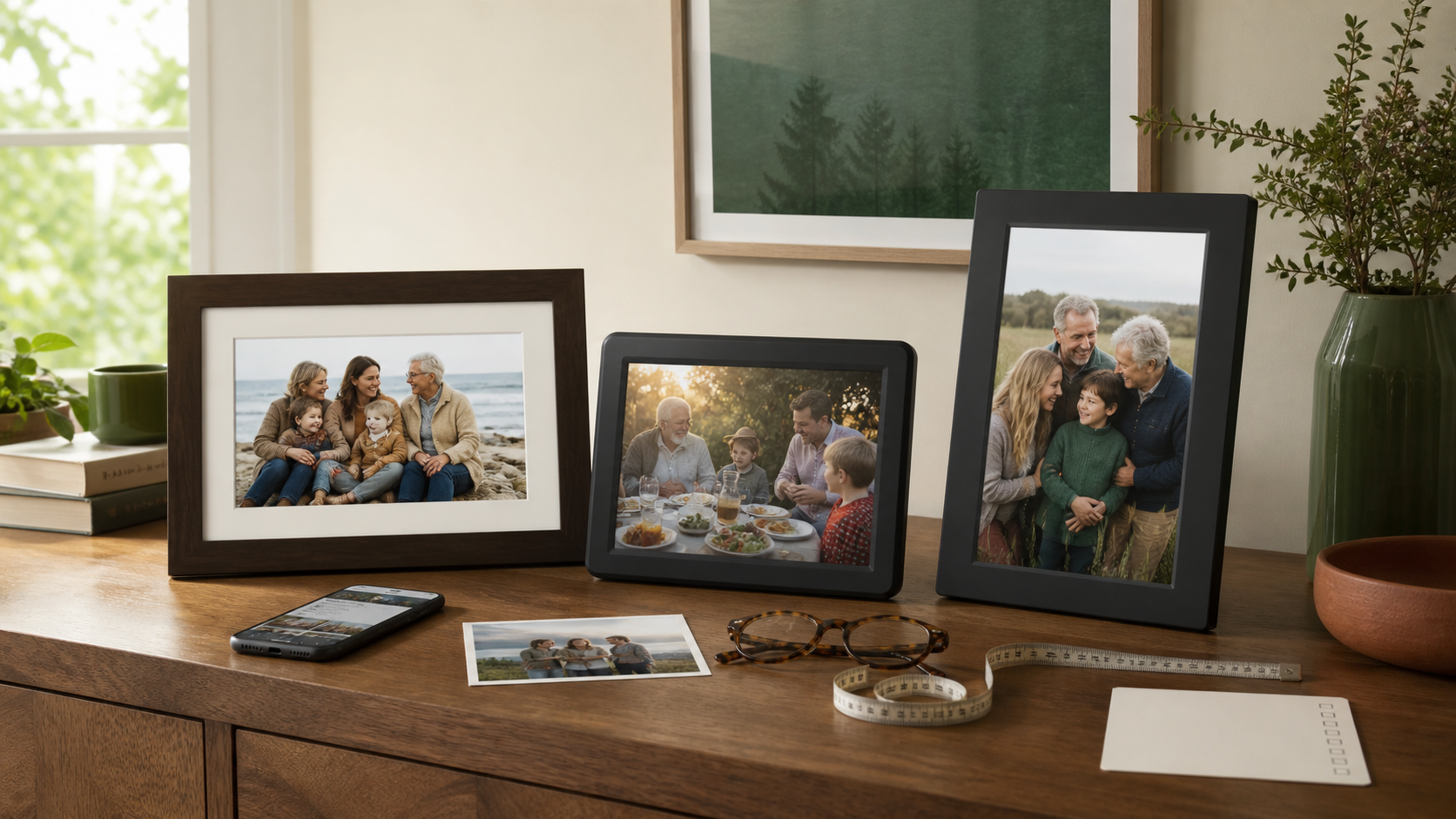
The best frame is not the one with the longest feature list. It is the one the recipient can enjoy immediately and the family can keep supplied with photos after the first week. Start with who will manage uploads, where the frame will live, and whether the recipient wants to touch the screen or simply enjoy the slideshow.
Quick Summary
Choose the ownership pattern first; screen specifications come second.
- Aura WaldenChoose it for a large, family-managed photo display.
- Frameo 10.1-Inch WiFi Digital Picture FrameChoose it for a compact touchscreen frame with local storage and auto-rotation.
Current Picks
Five questions to answer before you buy
- Who will add photos? Name one person to own setup and regular uploads.
- Does the recipient want direct control? A touchscreen is useful when they want to browse or adjust photos themselves.
- Where will it sit? Measure the shelf and consider glare before choosing a large display.
- What happens when Wi-Fi changes? The giver should be ready to help reconnect the frame.
- Is storage important? Decide whether the family prefers a cloud-led workflow or local storage on the frame.
Current Amazon Picks
Best for a large photo stream
Aura Walden 15-Inch WiFi Digital Picture Frame

Choose Walden when the family wants a prominent, app-managed display and is ready to keep it updated with new photos.
Best for: A grandparent with room for a large display and relatives who will manage sharing
Connection: Preload a first album and add one new photo after every call or visit.
What we like
- The active listing highlights a 15-inch display, Aura app sharing, gift-ready setup, and unlimited photo and video storage without a current subscription fee.
Keep in mind
- It needs a deliberate home location and continued participation from the family member who manages the app.
Best for direct touchscreen use
Frameo 10.1-Inch WiFi Digital Picture Frame

Choose this smaller Frameo option when the recipient benefits from touchscreen controls, local storage, and a frame that can auto-rotate between portrait and landscape photos.
Best for: A household that wants a compact frame and hands-on recipient controls
Connection: Send a current family photo after every planned call so the display never feels abandoned.
What we like
- The active listing specifies a 10.1-inch touchscreen, 32GB storage, auto-rotation, wall-mount support, and phone-based photo or video sharing.
Keep in mind
- It requires a separate app workflow and deliberate initial support, especially for a first-time digital-frame owner.
Which one should you choose?
Choose Aura Walden for a large display that the family manages from a distance. Choose the Frameo 10.1-inch frame when compact size, local storage, touch controls, and flexible orientation are the better fit. For a detailed side-by-side decision, read our Aura Walden vs. Frameo comparison.
Frequently Asked Questions
What is the easiest digital photo frame for grandparents?
The easiest choice matches the family support plan. A relative-managed frame is best for someone who only wants to enjoy photos; a touchscreen frame is best for someone who wants more direct control.
Should a digital frame have local storage?
Local storage is useful when you want photos to remain on the device and prefer more direct control. A cloud-led frame can be simpler for a family that wants to add photos remotely.
What should I set up before giving the frame?
Connect it to Wi-Fi, add a first album, set the date and brightness preferences, and decide who will help after a router or phone changes.
Sources and Updates
We reviewed the current exact Amazon US listings and Aura information on August 11, 2026. Recheck availability, package contents, and app features before ordering.
- Amazon US u2014 Aura Walden 15-inch WiFi Digital Picture Frame
- Amazon US u2014 Frameo 10.1-inch WiFi Digital Picture Frame
- Aura u2014 current frame collection
- August 11, 2026Updated recommendations and decision criteria using the active Aura Walden and Frameo listings.
About the author
Maya Carter
Maya covers everyday tech and thoughtful gift ideas for FaveSift. Before joining the editorial team, she helped independent retailers turn dense product details into useful, human buying guides. Her work focuses on the features that change an ordinary commute, workday, or weekend listen.